Another AI Design Tool? No — This One's Different.
Transparency note: I have not personally used Claude Design. This post is based entirely on publicly available information — official demos, press coverage, video walkthroughs, and community discussion. I'll update this post with hands-on impressions once I get access.
What Exactly Is Claude Design?
-
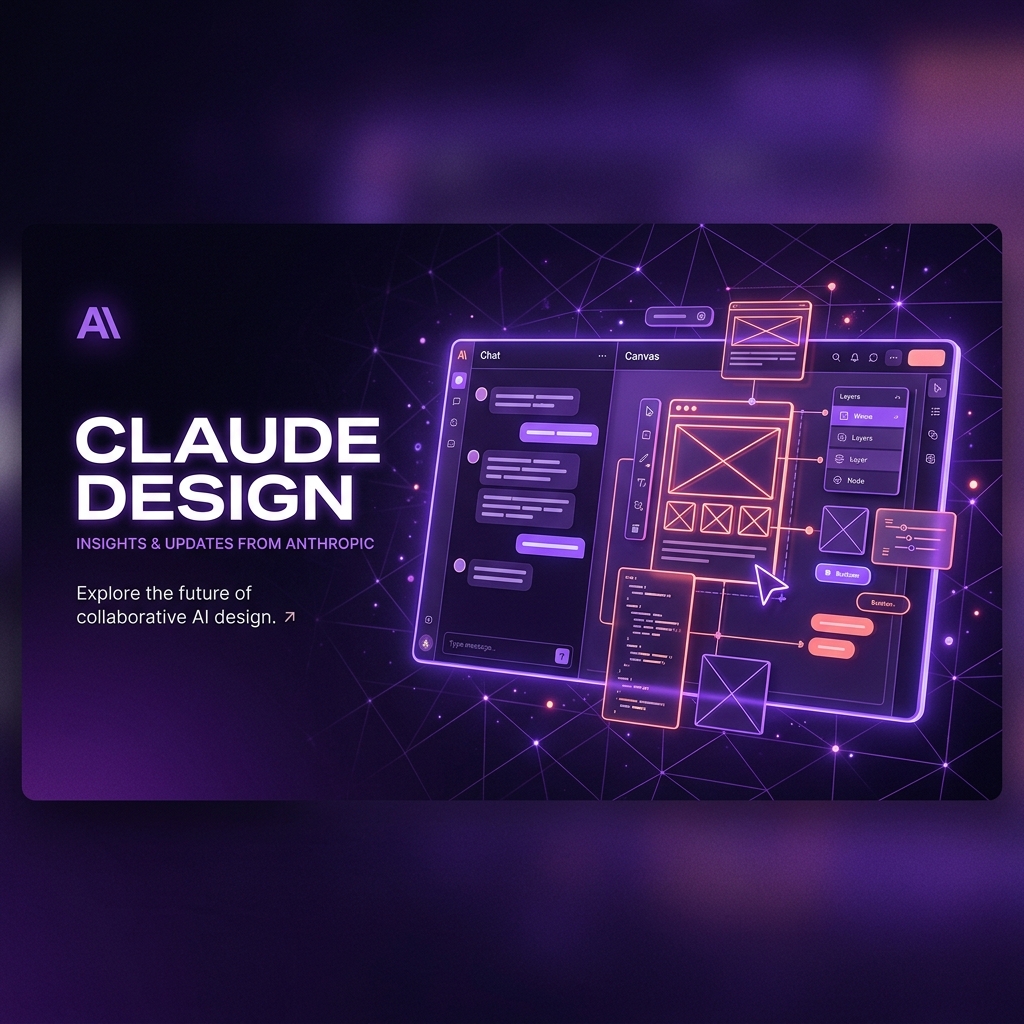
Dual-Interface: Chat + Live CanvasThe workspace splits into two panels — a conversational chat window on the left and a live-rendering design canvas on the right. You describe what you want in plain language, and Claude builds it in real time on the canvas. It's not generating a static image — it's rendering functional, interactive UI that you can keep iterating on.
-
Design System IngestionThis is the feature that made me sit up. During onboarding, Claude Design can digest your existing codebase, design files, images, and brand guidelines. It learns your specific colors, typography, spacing, and component patterns — then ensures every future design stays brand-consistent. No more generic AI output that looks like it was made for a different company.
-
Granular Refinement ToolsBeyond chat prompts, you can refine designs through inline comments directly on components, custom adjustment sliders for spacing/color/layout, and conversational feedback for broad changes. It's not just "generate and accept" — it's a genuine iterative workflow.
-
Real Export OptionsDesigns can be exported as standalone HTML, React code, PDFs, or PowerPoint files. There's also a deep integration with Canva — you can send designs directly to Canva where they become fully editable, layered projects. And critically, designs can be handed off to Claude Code for development implementation.
-
MCP IntegrationUsing the Model Context Protocol, Claude Design connects with tools like Figma, GitHub, and local development environments. This means the design-to-development pipeline isn't a separate step — it's built into the same workspace.
How Claude Design Differs from Other AI Design Tools
| Aspect | Typical AI Design Tools | Claude Design |
|---|---|---|
| Output Format | Static mockups or image-based screens | Functional, interactive HTML/React prototypes that can be directly developed |
| Brand Awareness | Generic — uses its own default aesthetic | Ingests your codebase and design files to match your existing brand system |
| Iteration Model | Regenerate from scratch or manual editing | Conversational refinement with inline comments, custom sliders, and chat |
| Development Handoff | Export as specs or static files for rebuilding | Direct code export + handoff to Claude Code for implementation |
| Underlying Intelligence | Specialized but narrow AI models | Powered by Claude Opus 4.7 — a general-purpose reasoning model with deep context understanding |
| Ecosystem Integration | Standalone tool with limited integrations | MCP-connected to Figma, GitHub, Canva, and local dev environments |
Worth noting: Anthropic explicitly positions Claude Design as a complement to tools like Figma and Canva — not a replacement. It's meant to bridge the gap between ideation and execution, especially for founders, product managers, and designers who need to move fast without constant context-switching.
What the Workflow Actually Looks Like
Getting Started
- Access via the palette icon in the claude.ai navigation menu
- Start from scratch with a natural language prompt
- Or upload existing documents, images, screenshots, or point to your repository
- Claude reads your brand context and begins generating a design draft
Iterating & Refining
- Click anywhere on the canvas to leave inline comments
- Use custom sliders Claude creates for real-time design parameter tuning
- Give broad conversational feedback ("make this more modern", "tighten the spacing")
- Every change respects your brand's design system — nothing drifts
Exporting & Handing Off
- Export as HTML/React code, PDF, or PPTX
- Send directly to Canva for collaborative editing
- Bundle for Claude Code handoff — from design to working code
- Push to Figma via MCP for team-wide design refinement
Built For
- Interactive prototypes and wireframes
- Landing pages and marketing screens
- Pitch decks and slide presentations
- Design system exploration and rapid ideation
What Claude Design Signals for the Design Industry
-
Design Is Shifting from "Pixel Pushing" to "System Orchestration"When an AI can generate a high-fidelity prototype in seconds, the designer's value isn't in creating the first draft — it's in curating, critiquing, and directing the output. The role becomes more like a creative director managing a very fast junior designer. Your taste, judgment, and user-understanding become the differentiator.
-
Design System Quality Becomes Critical InfrastructureClaude Design's output is only as good as the design system it ingests. A disorganized, undocumented, or outdated design system will produce poor AI output. This means teams are now being forced to maintain cleaner, more rigorous design systems — which is, frankly, a great thing for the industry.
-
The "Design-to-Dev" Gap Gets Dramatically SmallerThe biggest friction in most product teams? The handoff between design and engineering. Claude Design producing actual code — and being able to hand it directly to Claude Code — potentially collapses that gap. Designs are no longer aspirational mockups; they're functional starting points.
-
The Risk of "AI Slop" Is RealHere's the counter-argument the design community keeps raising: just because AI can generate visually plausible designs quickly doesn't mean those designs are good. The risk of shipping "AI slop" — screens that look professional but have poor interaction logic, invisible accessibility issues, or no real user research behind them — is very real. Human critique and testing become more important, not less.
Who Can Use It — and When Will It Go Wider?
| Detail | Status |
|---|---|
| Current Status | Research Preview (Beta) |
| Available To | Claude Pro, Max, Team, and Enterprise subscribers |
| Access Point | Palette icon in the claude.ai navigation menu |
| Powered By | Claude Opus 4.7 (released April 16, 2026) |
| Free Tier Timeline | Anthropic has indicated a potential rollout to the free tier later in 2026 |
| URL | claude.ai/design (for eligible subscribers) |
For designers without premium access: Don't feel like you're falling behind. This is a research preview — the product is still evolving. Use this time to study the workflows, understand the paradigm shift, and strengthen your design system thinking. When it opens up, you'll be ready to use it effectively rather than just experimenting randomly.
My Take: Watching From the Outside — But Watching Closely
I'll be honest — part of me wanted to wait until I had full hands-on access before writing this. But I think there's value in documenting what it's like to watch a major tool launch from the perspective of a designer who can see the potential but can't touch it yet.
From everything I've seen, Claude Design represents a genuine step forward in how AI and design interact. It's not the first AI design tool, but it might be the first one that feels like it was built by people who actually understand the design process — the iterative refinement, the brand consistency, the need for real export options, the importance of the design-to-development pipeline.
But I also think the design community's concerns are valid. A few things I'm keeping my eye on:
- Quality of generated code: Exporting as HTML/React is great — but is the code clean, semantic, and accessible? Or will developers need to rewrite it from scratch? The videos look promising, but real-world production is a different story.
- Interaction design depth: Generating static layouts is one thing. But can Claude Design handle complex interaction patterns — multi-state components, conditional flows, responsive edge cases? This is where AI design tools have historically struggled.
- The learning curve: "Just describe what you want" sounds simple, but effective prompting for design requires its own skill set. Designers who can articulate design intent precisely will get dramatically better results than those who can't.
- Impact on junior roles: If AI can handle the execution layer rapidly, what happens to junior designer positions? I think the answer isn't doom — it's evolution. Junior designers will need to level up on strategy, research, and systems thinking faster.
For now, I'm doing what I always do when a major tool shift happens: reading everything, watching carefully, and thinking about how to adapt. Claude Design might not be available to me today, but the paradigm it represents — AI as collaborative design partner, not disconnected generator — is already changing how I think about my own workflow.
When I get access, I'll write the honest hands-on review. Until then, these research notes are my way of staying sharp.