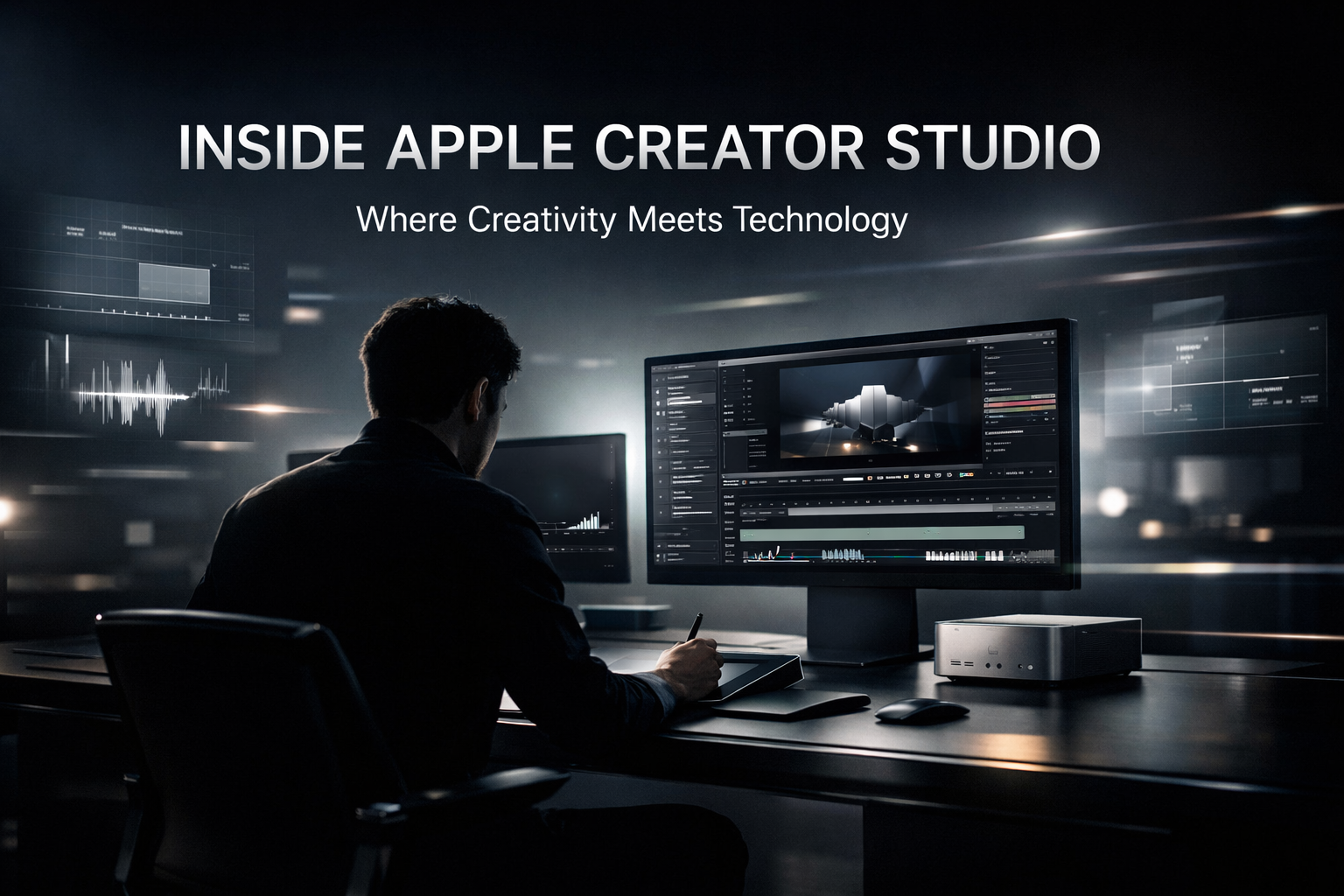
A Cathedral for Storytelling
The Ecosystem Advantage: Apple's superpower isn't individual devices; it's the invisible thread that connects them. The Creator Studio is the physical manifestation of AirDrop—seamless, magical, uninterrupted flow.
The Philosophy of Flow
"Technology works best when it disappears into the background."
Traditional Studio
- Cluttered with cables
- Technical setup friction
- Isolated workflows
- Focus on gear specs
- Industrial aesthetic
Apple Creator Studio
- Wireless & Clean
- Instant "On" alignment
- Fluid ecosystem sync
- Focus on story
- Human-centric aesthetics
Designed for Intent
-
Invisible TechTools that support creativity without imposing themselves. Cameras that follow you, audio that mixes itself.
-
Spatial HarmonyEnvironments optimized specifically for spatial audio and immersive video production. The room is the instrument.
-
Seamless SynergyStart on iPhone, refine on iPad, finish on Mac. The studio environment makes this hand-off physical and immediate.
Who Apple Creator Studio Serves
-
Video CreatorsYouTubers, filmmakers, and vloggers benefit from cinematic lighting, 4K+ capture, and seamless editing handoff to Final Cut Pro.
-
PodcastersSpatial audio recording, noise isolation, and multi-mic setups make professional podcasting accessible.
-
MusiciansLogic Pro integration, Dolby Atmos mixing, and instrument-ready acoustics for music production.
-
StreamersReal-time switching, overlays, and multi-camera setups for live content creation.
The Apple Creator Stack
| Device | Role | Key Feature |
|---|---|---|
| iPhone 16 Pro | Primary camera | Cinematic mode, Log video |
| iPad Pro | Field editing | Apple Pencil precision |
| Mac Studio | Post-production hub | M3 Ultra performance |
| AirPods Max | Monitoring | Spatial audio preview |
| Vision Pro | Immersive preview | 3D content validation |
Creator Studio Workflow Tips
Do This
- Shoot on iPhone, edit on Mac
- Use AirDrop for transfers
- Preview in spatial audio
- Sync projects via iCloud
Avoid This
- Breaking the ecosystem
- Manual file management
- Ignoring Handoff features
- Skipping spatial mix
Pro Tip: Use Continuity Camera to turn your iPhone into a high-quality webcam for Mac. One button, zero cables, studio-quality video calls.
Creator Monetization in 2026
-
Membership PlatformsPatreon, Substack, and YouTube Memberships for recurring revenue from your most engaged fans.
-
Digital ProductsCourses, templates, presets, and ebooks. Package your expertise once, sell it forever.
-
Brand PartnershipsAuthentic sponsorships with brands that align with your audience and values.
My Take: Empowering Creators
Apple Creator Studio stands as a testament to the power of clarity, intention, and human-centered design. It’s not just about the tools; it’s about empowering the person who uses them.
- Remove Friction: Let the creator create, not troubleshoot.
- Focus on Flow: Keep the creative momentum alive.
- Empower the Creator: Make them feel like a superhero.