Trend Watch
The New Materiality
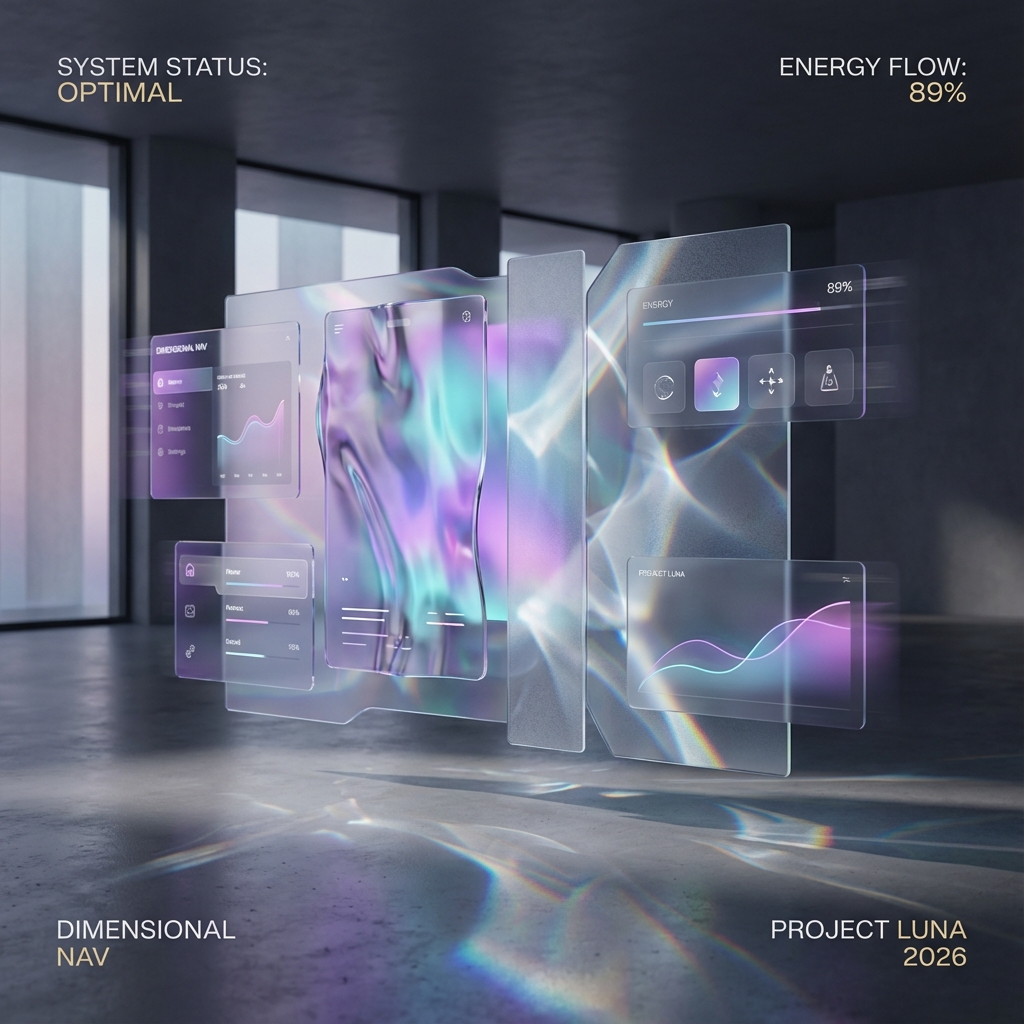
Depth is Data: We aren't just looking at pixels anymore; we are looking *through* layers. Depth is now a data visualization tool, not just an aesthetic choice.
Definition
Defining the Trend
Flat Design (2015-2024)
- 2D Layers
- Solid colors
- Hard shadows
- Static
- Paper metaphor
Liquid Glass (2026+)
- 3D Depth
- Refractive blurs
- Ambient light
- Fluid motion
- Material metaphor
"The future of UI isn’t flat—it’s dimensional, responsive, and alive."
Analysis
Key Characteristics
-
Fluid MotionPhysics-inspired transitions that feel natural. Elements don't just "appear"—they flow into place.
-
Light RefractionReal-time depth-aware blur that mimics physical glass, changing based on what's behind it.
-
Spatial HierarchyA strong sense of layering that provides intuitive navigational cues. Important things are "closer" to the glass.
Guide
Best Practices
-
Accessibility FirstEnsure WCAG contrast compliance on translucent backgrounds. Always test with real content.
-
Reduced MotionRespect "prefers-reduced-motion" settings. Don't force motion on users who find it jarring.
-
Performance OptimizationOptimize shaders and effects to maintain a consistent 60FPS across all devices.
Implementation
CSS Techniques for Liquid Glass
-
backdrop-filter: blur()The foundation of the frosted glass effect. Apply blur to everything behind the element. Works best with 10-20px values.
-
Semi-transparent backgroundsUse rgba() or hsla() with low alpha values (0.1-0.3). The background color tints the blur without obscuring it.
-
Subtle bordersAdd 1px borders with rgba(255,255,255,0.2) to create edge definition. This mimics real glass edges catching light.
-
Inner glow shadowsUse inset box-shadows with white/highlight colors to simulate light refraction on the inner surface.
In the Wild
Brands Using Liquid Glass
| Brand | Application | Effect |
|---|---|---|
| Apple (iOS) | Control Center, Widgets | Context-aware blur |
| Stripe | Dashboard panels | Layered depth |
| Linear | Modal dialogs | Focus + context |
| Figma | Side panels | Non-intrusive layers |
| Arc Browser | Tab management | Spatial organization |
Toolkit
Design Tools for Glass Effects
Figma
- Background blur plugin
- Layer effects
- Real-time preview
Spline 3D
- True glass materials
- Refraction physics
- Export to web
Pro Tip: Use Figma's "Layer blur" for quick mockups, but always test in-browser. CSS backdrop-filter renders differently than design tools.
Performance
Making It Fast
-
Limit blur radiusKeep backdrop-filter blur under 20px. Larger values exponentially increase GPU load.
-
Reduce overlapping layersEvery stacked glass element multiplies the render cost. Be strategic about where you apply the effect.
-
Feature-detect on mobileUse @supports and reduce effects on low-power devices. Graceful degradation to solid backgrounds.
My Take: Tangible Interfaces
Liquid glassmorphism isn't just about looking cool; it's about making digital objects feel real. It bridges the gap between the screen and our hands.
- Embrace Depth: Use layers to show relationship and hierarchy.
- Keep it Fluid: Motion should feel like physics, not cartoons.
- Prioritize Access: A beautiful button that no one can see is useless.